Animate an old photo online in 3–6 minutes
Upload a photograph. The person in it turns their head slightly or moves their shoulders and smiles softly, and the camera sways a little, as if handheld.
no sign-up · from 60 ₽ · 3–6 minutes · 12 examples
Livelier movement
no sign-up · ready in 3–6 minutes · automatic refund if the video is not created
Examples of animated photos
Twelve clips from family photographs in two different archives. Faces and clothing match the original photographs, the movement was added by a neural network.
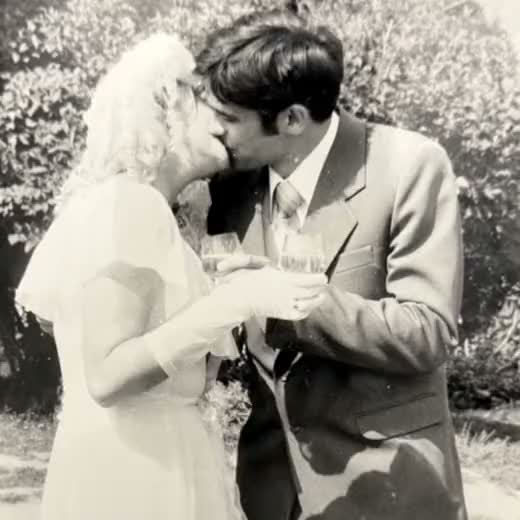
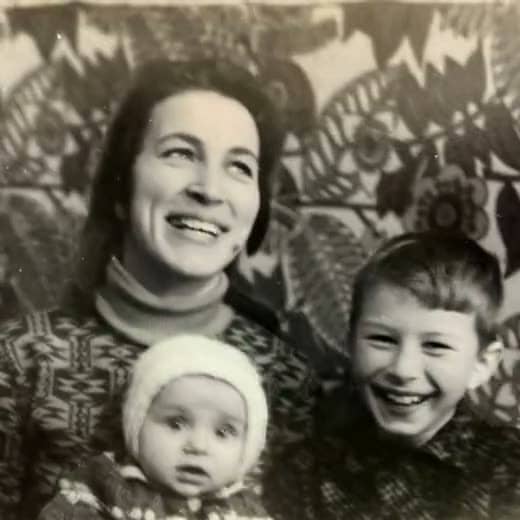
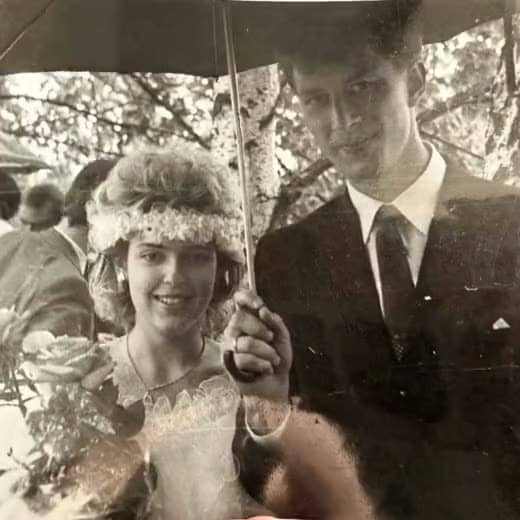
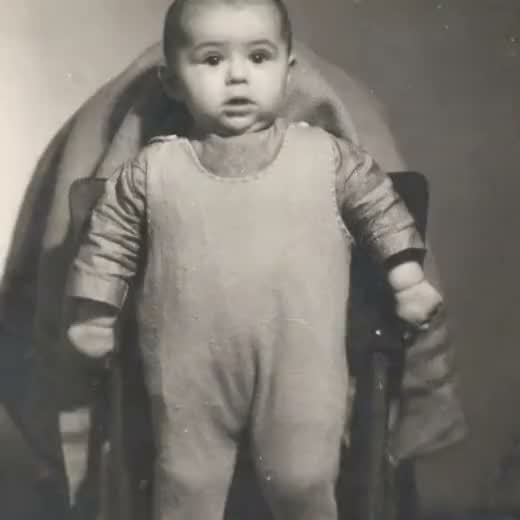
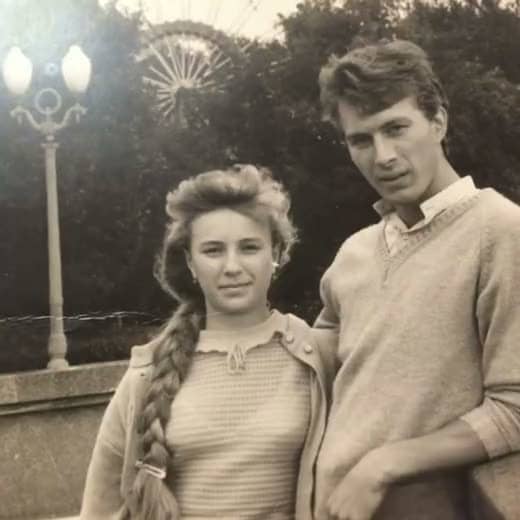
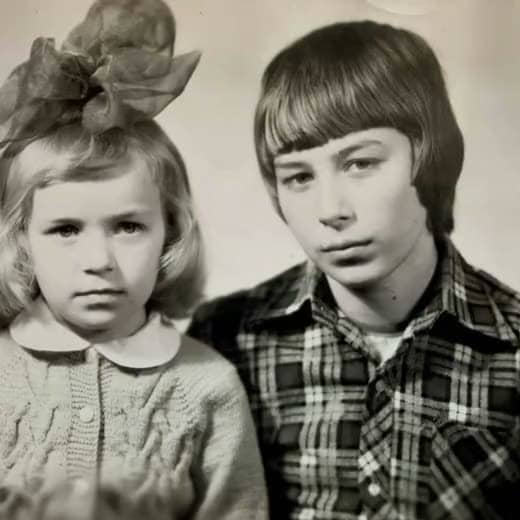
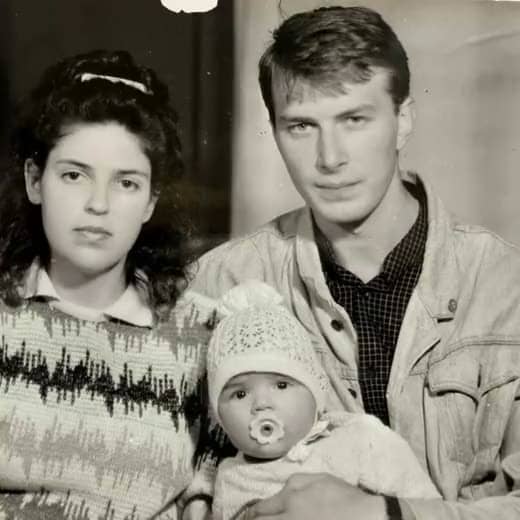
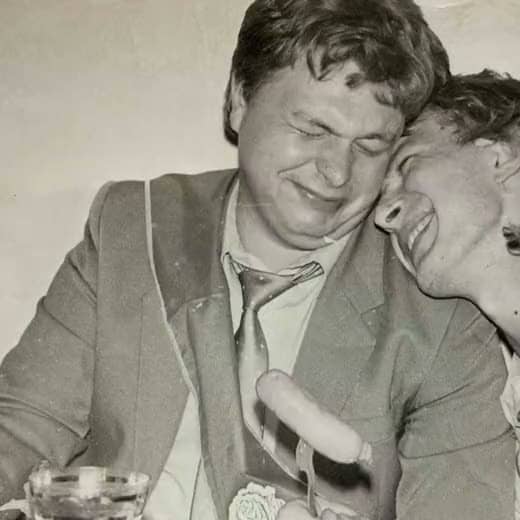
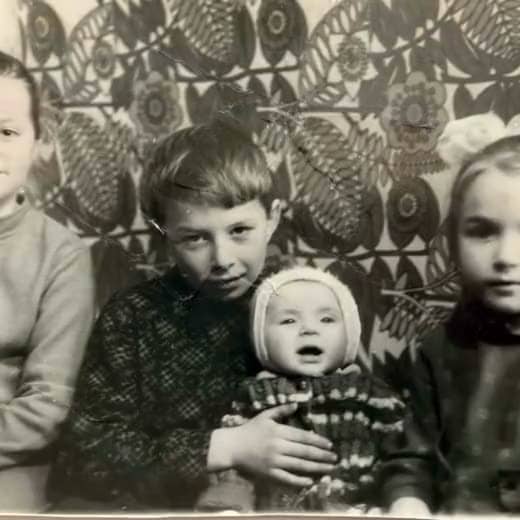
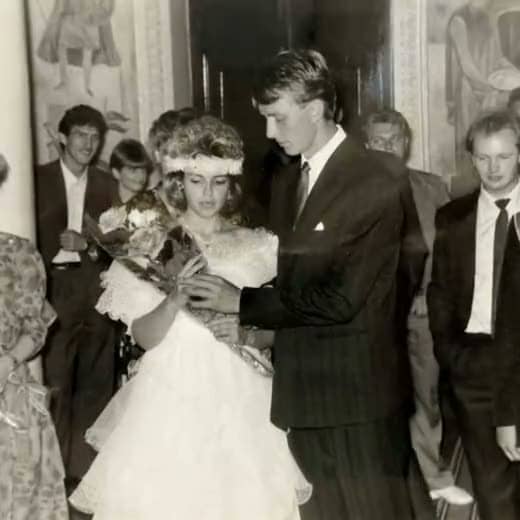
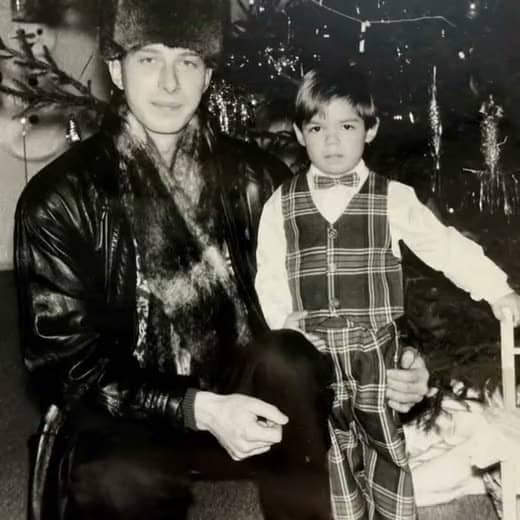
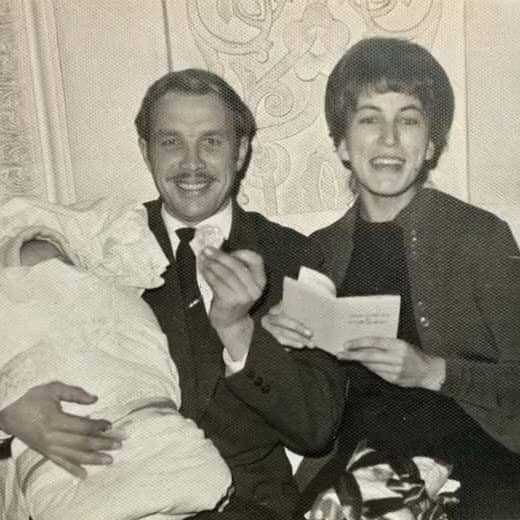
clips of 4–5 seconds, no sound
Animate your photoHow it works
AI photo animation: how an order works
Photo animation turns a still image into a short video of 3 to 10 seconds. The person in the photo turns their head slightly or moves their shoulders and smiles softly. The camera sways a little, as if handheld. The original photograph stays as it is, and a neural network creates the movement from details already in the frame.
The service accepts a scan from a family album, a print re-shot on a phone, a photograph with a crease or one faded to grey. The worse the original, the more it matters to analyse the frame before the video is created.
What happens after you upload
- The service checks the photo for free and shows what will affect the result before you pay.
- You choose the tier and a duration of 3 to 10 seconds, and the total is shown straight away.
- After payment a neural network processes the photo and creates the video. It is usually ready in 3–6 minutes.
- The link to the video arrives by email and works for 30 days.
Which photos can be animated
A scan from an album, a print re-shot on a phone, a faded or damaged frame all work. The best results come from photos where the face is clear and the short side is 400 pixels or more. The service accepts jpg, png, tiff and webp files up to 50 megabytes.
Difficult frames are a small face, a group of people, a profile and a poor scan. The service animates these too and shows before payment what in the frame will affect the result.
Difficult photos: small faces, groups, profiles, scratches
Free services are designed for a sharp close-up portrait. On a small face, a group photo, a profile, scratches or a poor scan, a free neural network often changes facial features or blurs them.
Ozhivi writes a separate task for the neural network for each photo, and the task forbids changing facial features. Before payment the service shows warnings: a small face, a blurred frame, heavy damage.
What it costs to animate a photo
The price is per second of finished video and depends on the tier: from 20 to 100 ₽ per second. The minimum order is 3 seconds, that is 60 ₽. The total is shown before payment and does not change afterwards.
| Tier | What you get | Per second | 5 seconds | 10 seconds |
|---|---|---|---|---|
| Basic | Calm movement | 20 ₽ | 100 ₽ | 200 ₽ |
| Premium | Livelier movement | 30 ₽ | 150 ₽ | 300 ₽ |
| Maximumfrom 4 seconds | Most natural movement, 720p resolution | 100 ₽ | 500 ₽ | 1 000 ₽ |
| Tier | What you get | Per second | 5 seconds | 10 seconds |
|---|---|---|---|---|
| Simple | Follows the general direction of the scenario | 30 ₽ | 150 ₽ | 300 ₽ |
| Precisefrom 4 seconds | Follows the scenario more closely | 70 ₽ | 350 ₽ | 700 ₽ |
| Maximumfrom 4 seconds | Follows the scenario more closely, most natural movement | 100 ₽ | 500 ₽ | 1 000 ₽ |
Animate mode takes up to 5 photographs per order, and the total is the sum for each of them. Prices are in Russian rubles.
A video as a gift
The finished video arrives as a link by email. It is easy to download, send to relatives in a family chat or show at an anniversary. The link works for 30 days.
The service is run by Aleksei Rusakov, an individual entrepreneur from the Samara Region of Russia. He answers emails himself: hello@ozhivi.pro.
Frequently asked questions
How is paid photo animation different from free services?
Free services are designed for a sharp close-up portrait. On a small face, a group photo, a profile or a poor scan they often change facial features. Ozhivi writes a task for each photo, and the task forbids the neural network to change the face. Checking the photo before payment is free, a clip costs from 60 ₽.
When is the money refunded?
The money is refunded in full and automatically, with no claim form. The refund starts if the video was not created after three attempts, the neural network rejected the photo after payment, or the order is not ready within 24 hours. The neural network may reject a photo in swimwear or with weapons. In an order with several photographs the refund is calculated for each one separately. The money returns by the same method you paid with, within 1–10 business days.
What does it cost to animate a photograph?
The price is per second of finished video: from 20 to 100 ₽ per second depending on the tier. The minimum order is 3 seconds, that is 60 ₽. The total is shown before payment and does not change afterwards.
How long is the video?
From 3 to 10 seconds, you choose the length before payment. On the Precise and Maximum tiers the video is at least 4 seconds long. The price is per second.
Can I animate several photographs in one order?
Yes, up to 5 photographs in Animate mode. The total is the sum for each photograph, and they are processed one after another. Your scenario mode takes one photograph per order.
How long does it take?
Usually 3–6 minutes from the moment of payment. Photographs in one order are processed one after another, each takes 3–6 minutes. The link arrives by email, you can close the page.
Which photographs will work?
A scan from an album, a print re-shot on a phone, a faded or damaged frame. The best results come from photos where the face is clear and the short side is 400 pixels or more. The service accepts jpg, png, tiff and webp files up to 50 megabytes and checks the frame for free before payment.
Does the service restore the photograph?
No. Grain, scratches and fading stay as they are in the original, only the movement is added. Restoration is best done before uploading.
Will the video have sound?
No. The video is silent: the person moves but does not speak.
How does Your scenario mode work?
You describe in words what should happen in the frame: grandmother turns to her grandson and smiles. The Simple tier follows the general direction of the scenario, the Precise and Maximum tiers follow the description more closely. Faces, background and clothing do not change, and no new people appear in the frame. This mode takes one photograph per order.
How do I pay?
Payment is in Russian rubles on the secure page of the YooKassa payment service: bank card, SBP (Faster Payments System), SberPay or YooMoney. The order is paid before the video is created. If the video is not created, the money is refunded automatically.
What happens to my photograph?
The photo and the finished video are kept for 30 days, then deleted beyond recovery. Customers’ work is not published and not used in advertising. For the free check and for creating the video, the photo is sent to the United States of America. Three companies receive it: Features and Labels Inc. (the fal.ai service), OpenRouter, Inc. and Anthropic PBC. Details are in the privacy policy.
Do I need to sign up?
No. You need neither a password nor an account. Before payment you enter an email address, the link to the finished video arrives there. You can close the page.
Can I animate a photo of a relative who has died?
Yes. By uploading the photograph you confirm that you have the right to use it. The service may refuse to process a photo that shows the deceased in a distressing way, and in that case the money is refunded in full.
Animate a photo from your family album
Clips from 60 ₽, ready in 3–6 minutes. If the video is not created, the money is refunded automatically.
Choose a photo